Connect a creator's Instagram without their password
You send the creator one link. They open it on their own phone, log in on Instagram's own screen, and the account joins your workspace. Here is every screen on both sides, in the order you and the creator will see them.
Table of contents
- Before you start
- The steps
- Put your agency's name on the workspace
- Open Connected accounts and choose Send a connect link
- Type the creator's handle and create the link
- Copy the link now
- Send it to the creator, and watch it wait
- The creator opens the link on their phone
- They log in to Instagram as that account
- They approve inDM on Instagram's screen
- They see that it's connected
- The account appears in your workspace
- Questions, answered plainly
Before you start
- An inDM workspace with room for one more account. Free connects one Instagram account, Growth up to 5, Agency Lite up to 15, and Agency Pro 30, then $3 a month for each one after.
- The creator's Instagram handle, exactly as it appears on their profile.
- A Professional Instagram account on the creator's side, Creator or Business. Switching from a personal account is free.
- A way to reach the creator that you already use: WhatsApp, email, or a DM.
The steps
Put your agency's name on the workspace
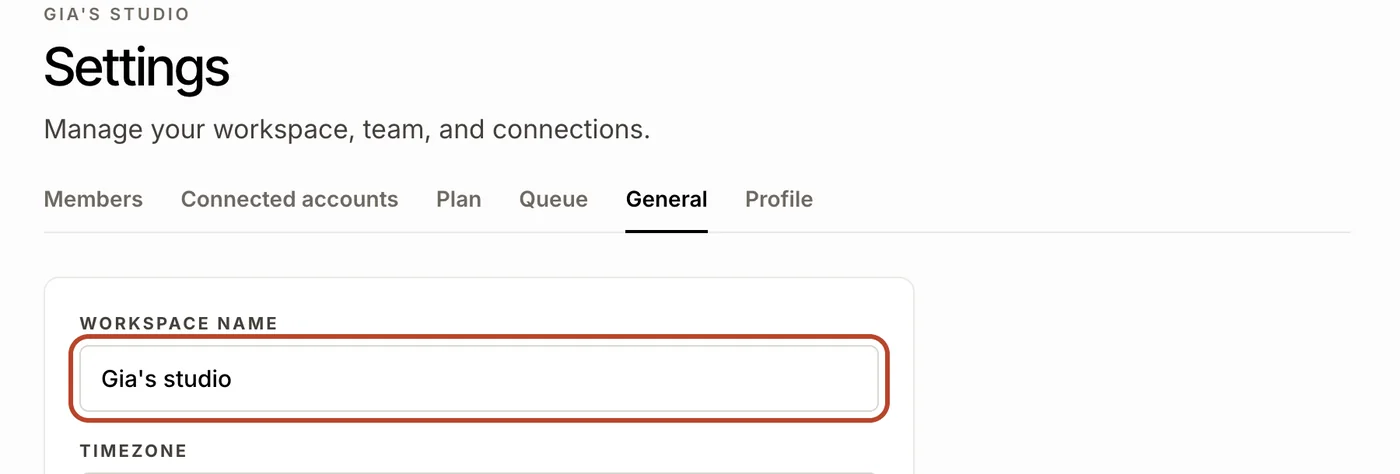
Open Settings, then General, and check Workspace name. Whatever it says is the name the creator sees on the page you send them, so make it the name they know you by.
This matters more than it looks. The creator is being asked to connect their Instagram account, and the first thing they check is who is asking. A recognisable name is most of what makes the page trustworthy to them.
Open Connected accounts and choose Send a connect link
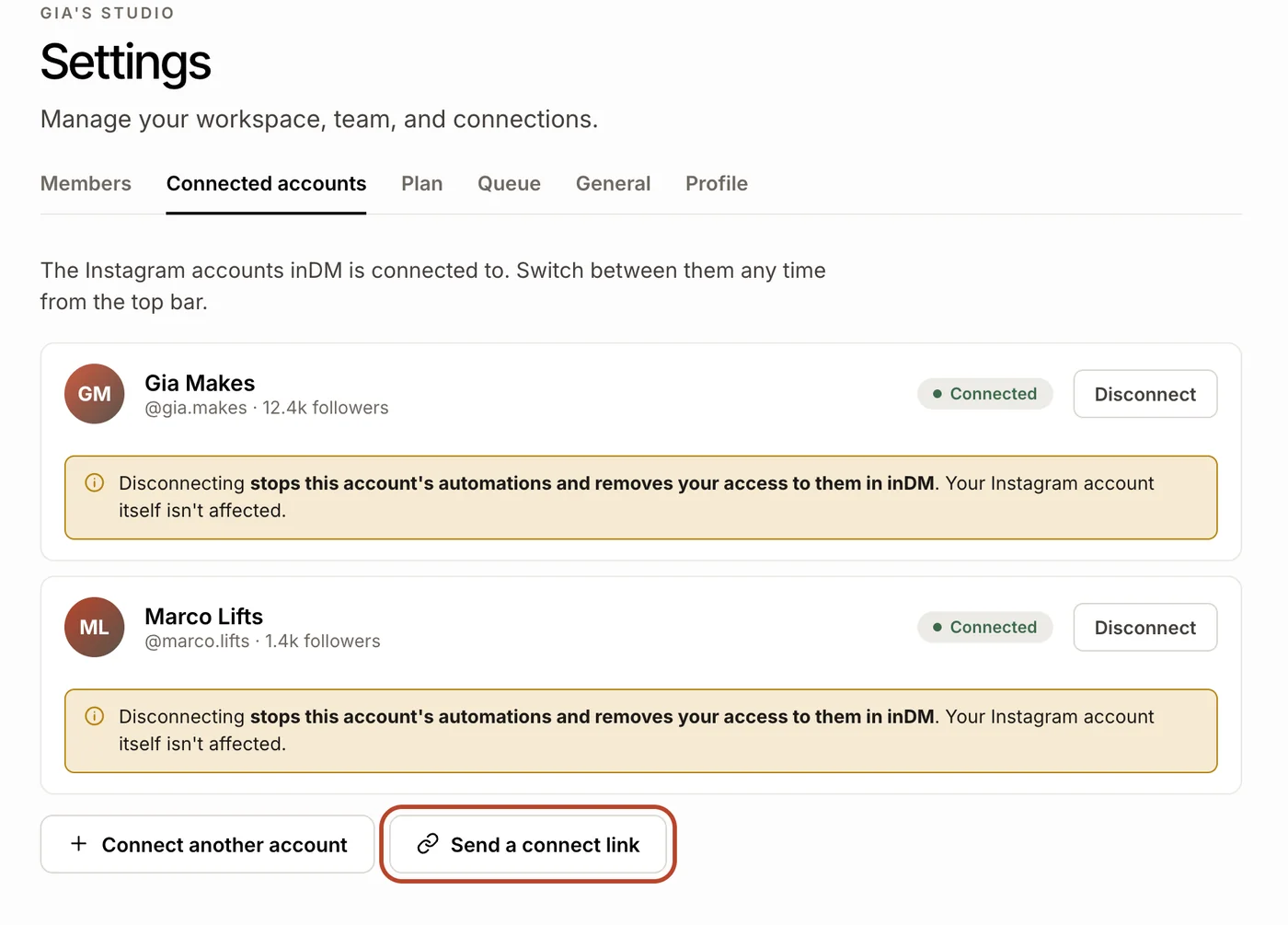
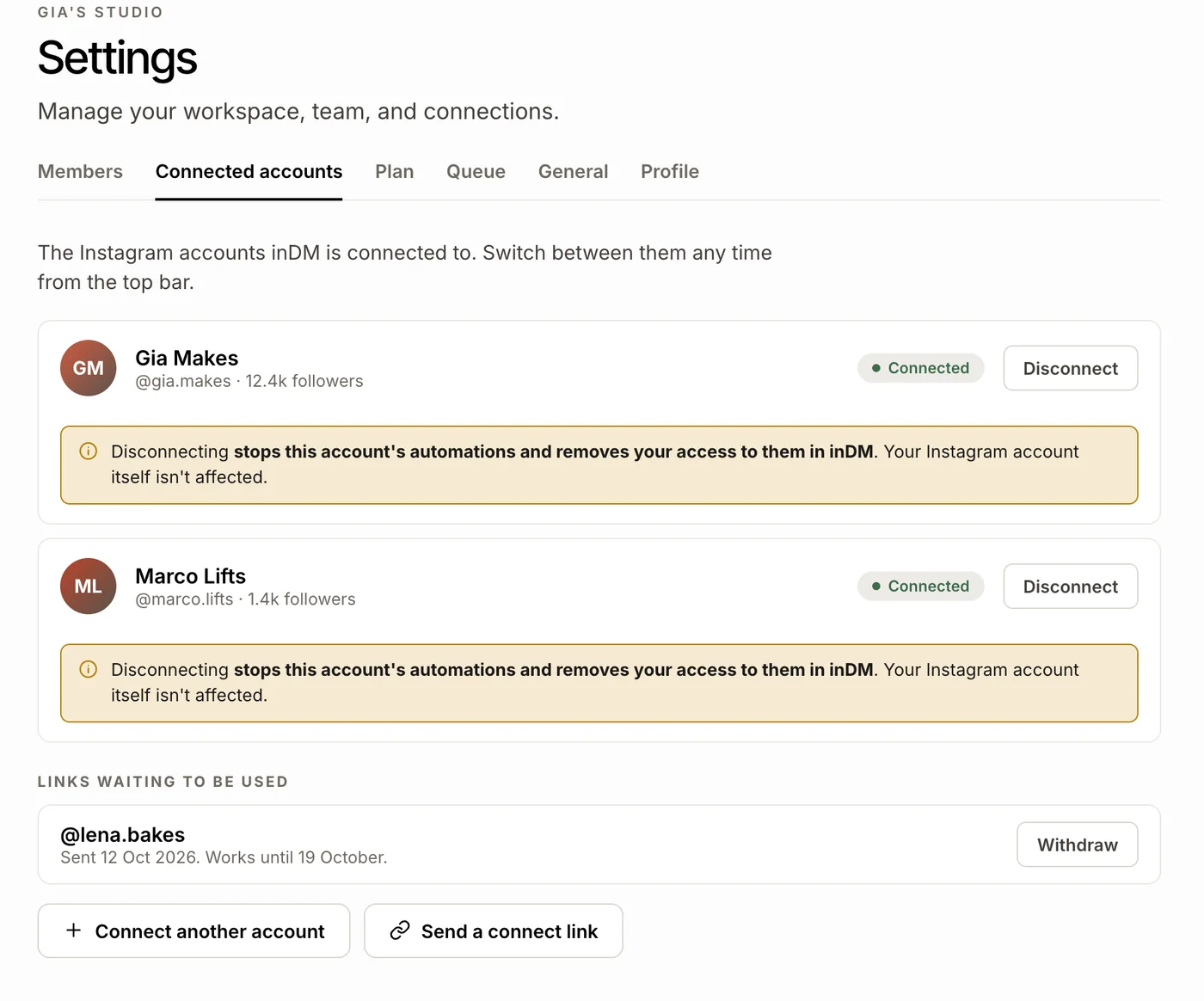
Still in Settings, open the Connected accounts tab. It lists every Instagram account in the workspace. Under the list, beside Connect another account, press Send a connect link.
Connect another account is for an account you log into yourself. Send a connect link is for one you run but don't log into, which is every creator an agency manages.
Type the creator's handle and create the link
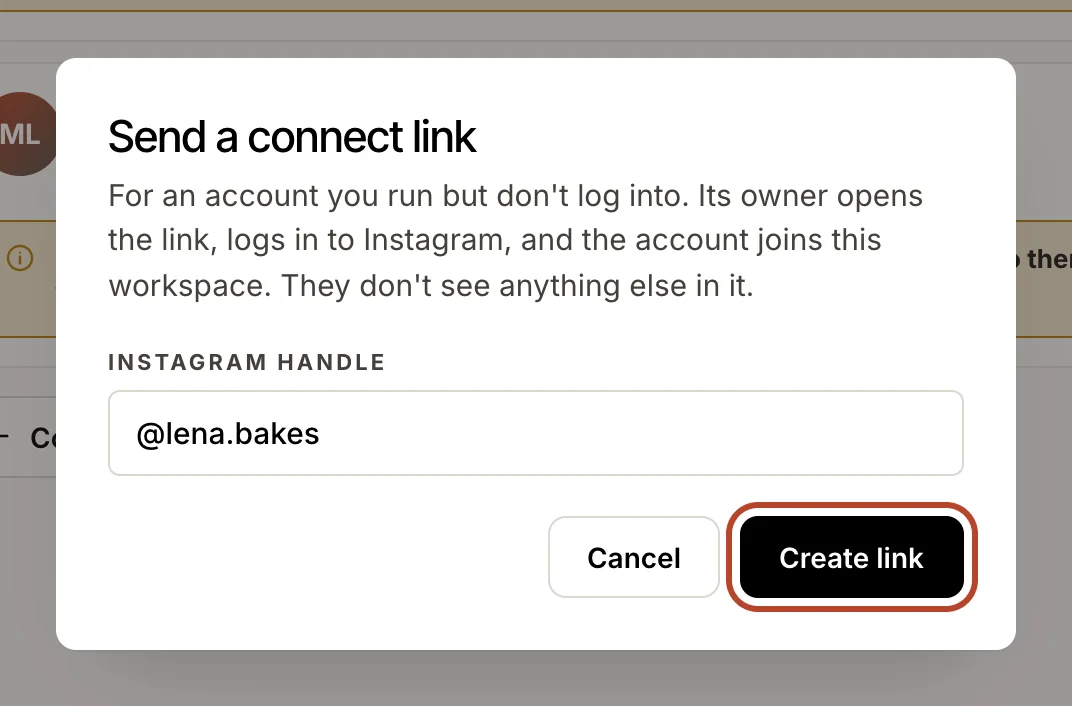
Type the creator's Instagram handle, with or without the @. A link to their profile works too. Then press Create link.
Each link is made for one handle. It connects that account and refuses any other, so a creator who happens to be signed into a second account on their phone cannot put the wrong one into your workspace by accident.
Copy the link now
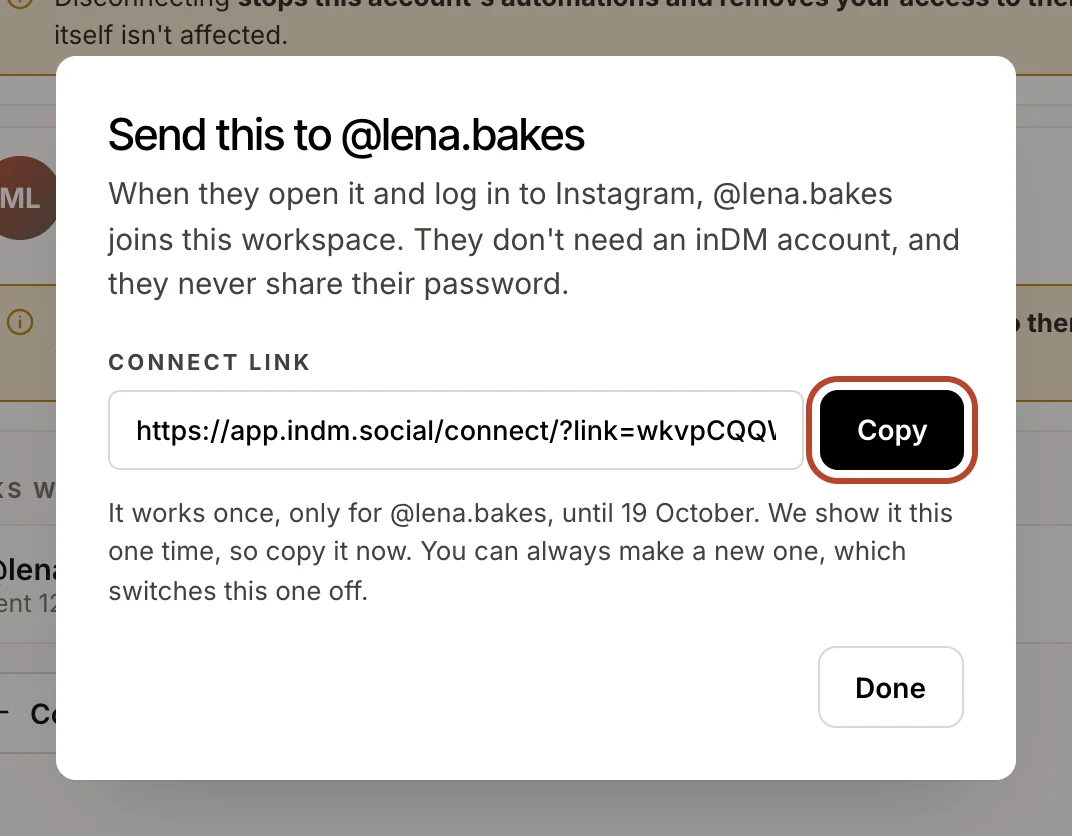
The dialog shows the link with a Copy button beside it. Copy it before you close the dialog: inDM shows each link once, and keeps no copy it could show you again.
The line under the link says the rest. It works once, only for that handle, for seven days.
Send it to the creator, and watch it wait
Send the link however you already talk to the creator: WhatsApp, email, a DM, or the welcome email for a new client. They don't need to do anything first, and they don't need an inDM account.
Back in Connected accounts, the link now sits under Links waiting to be used, with the day you sent it and the day it stops working. Withdraw switches it off if you sent it to the wrong person.
The creator opens the link on their phone
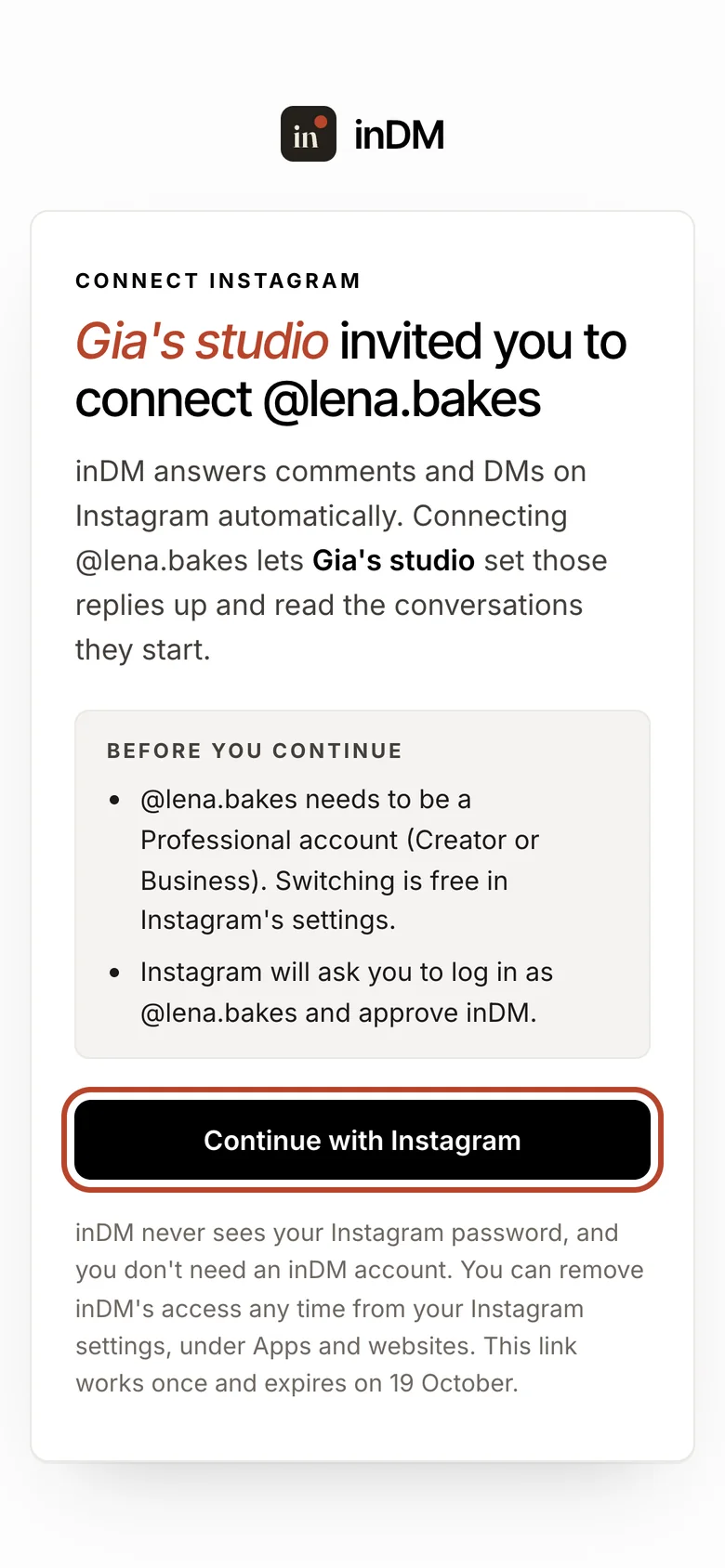
This is what the creator sees. The page names you, names the account, and says what connecting it allows: you can set up automations on it and read the conversations those automations start.
Above the button sit the two things worth checking before they go on: the account has to be a Professional account (switching is free if it isn't), and Instagram will ask them to log in as that handle. Under it, the page says that inDM never sees their Instagram password, that they need no inDM account, and how to remove access later. They press Continue with Instagram.
They log in to Instagram as that account
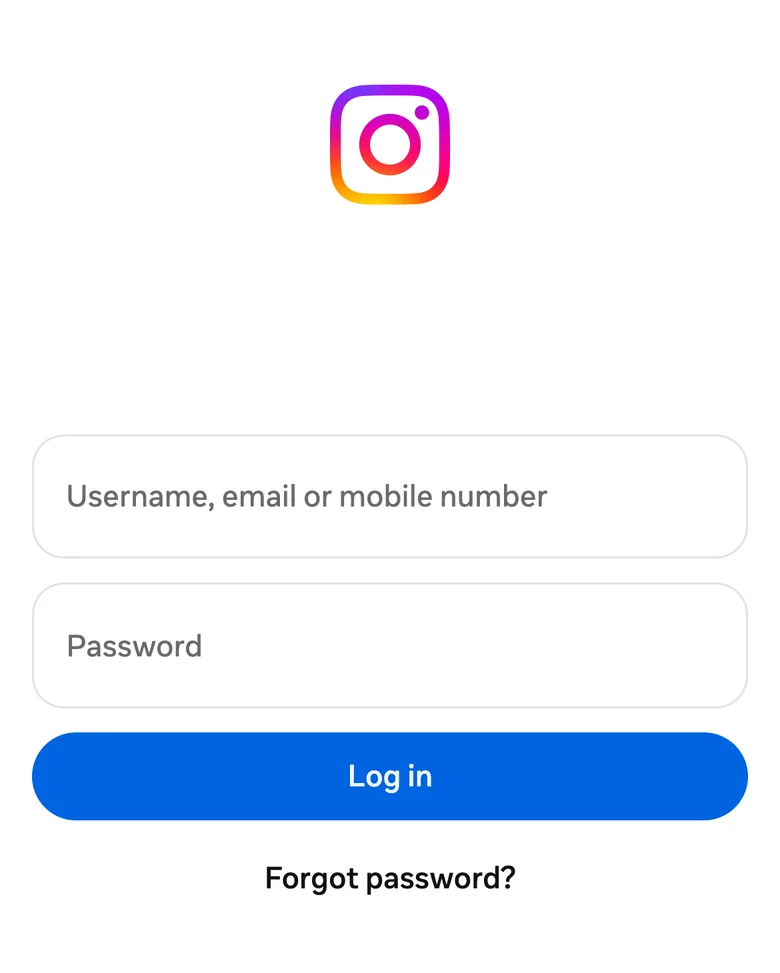
The button hands them to Instagram's own login screen, on instagram.com. They log in as the account the link names, with their own password, on Instagram's page. Nothing they type here reaches you or inDM.
On an iPhone this screen is common even for someone who uses Instagram every day, because being logged into the Instagram app doesn't log Safari into instagram.com.
They approve inDM on Instagram's screen
Instagram shows what inDM is asking to do on the account and asks the creator to allow it. This screen is Instagram's, not ours: it is where the permission is given, and it is the same screen every tool on Instagram's official login uses.
Once they allow it, Instagram sends them straight back to the link page.
They see that it's connected
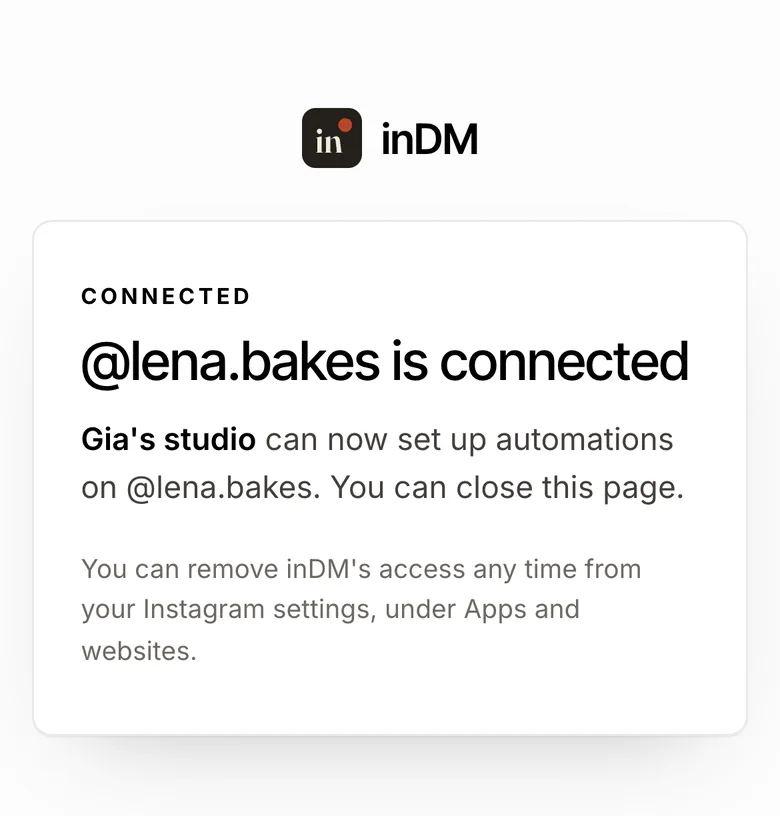
The page confirms the account is connected and that you can now set up automations on it. The creator can close it. There is nothing to sign up for and nothing else to do on their side.
The same page reminds them where the off switch is: in Instagram's settings, under Apps and websites. They can remove inDM's access there at any time, without asking you.
The account appears in your workspace
In Connected accounts the creator's account now sits in your list, connected, and the link has left Links waiting to be used. The tab refreshes when you come back to it, since the creator is usually connecting on their phone while you are looking at something else. There is no email when it happens: the account simply appears.
From here it is an account like any other in the workspace. Switch to it from the top bar and set up its first automation on one of the creator's own posts.
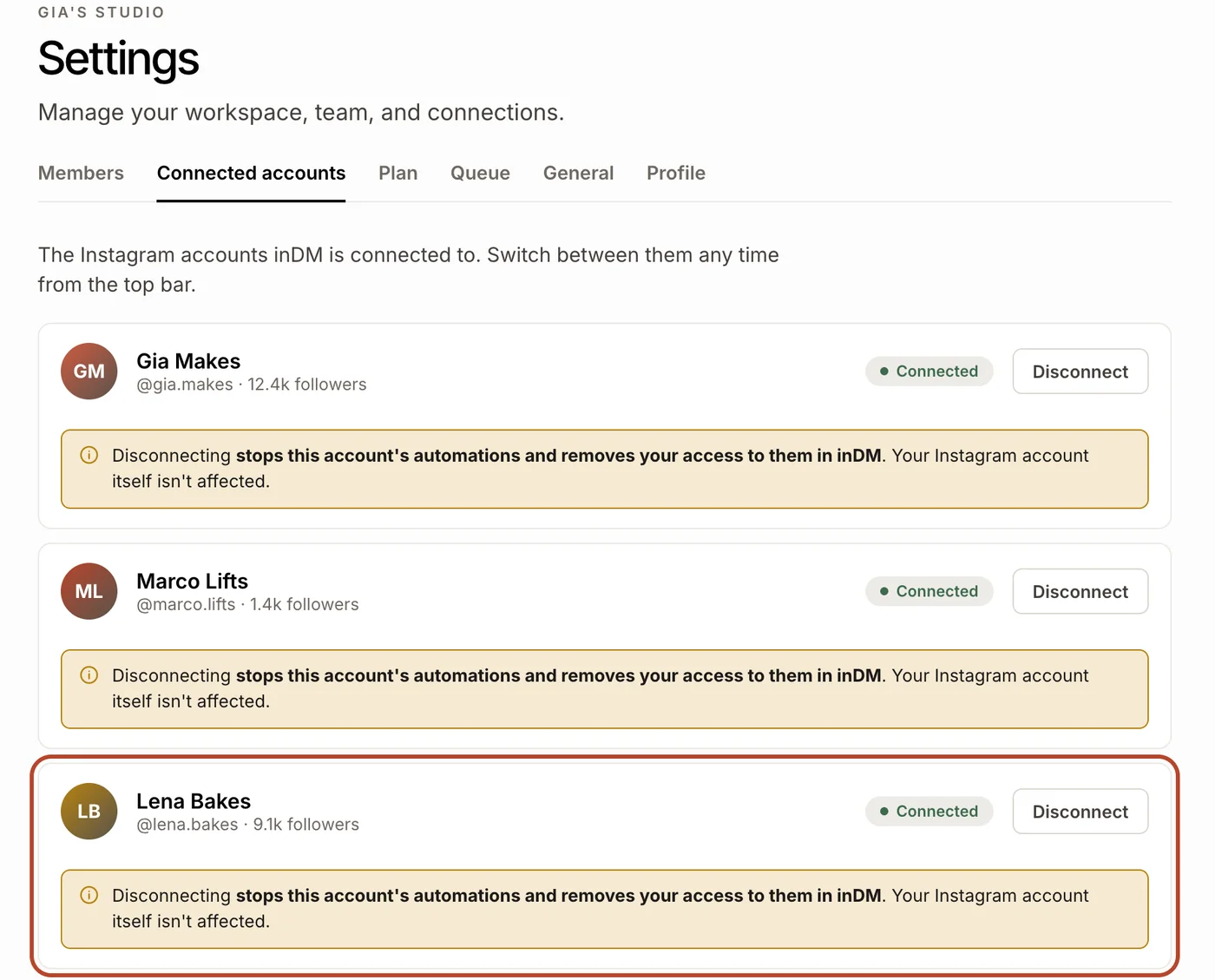
The creator's Instagram account in your workspace, connected by the creator on their own phone. No password changed hands, the creator has no inDM account to manage, and they never see your other clients.
Questions, answered plainly
Does the creator need an inDM account to use a connect link?
No. The creator opens the link, logs in on Instagram's own screen and approves inDM, and their account joins your workspace. They never sign up for inDM and never see anything else in your workspace, including your other clients.
Does the creator share their Instagram password with the agency?
No. The creator types their password only on Instagram's own login page, on instagram.com. Instagram then gives inDM the permissions the creator approved, and nothing they typed reaches the agency or inDM.
How long does a connect link last?
A connect link works once and expires after seven days. Making a new link for the same Instagram handle switches the old one off. If a link runs out before it is used, it stays in Settings, under Links waiting to be used, with a New link button beside it.
What happens if the creator logs in with the wrong Instagram account?
Nothing is connected. A connect link names one Instagram handle and refuses any other. The link page tells the creator which account Instagram used, the link is not used up, and a Choose another account button takes them back to Instagram's login so they can sign in as the right one.
How does the creator remove the agency's access later?
From Instagram, without asking the agency. In Instagram's settings, under Apps and websites, the creator removes inDM, and the connection ends.
Can an agency use a connect link to reconnect a client's account?
Yes. When Instagram disconnects an account, only someone who can log into it can bring it back. Its row in Settings, under Connected accounts, offers Send reconnect link, which works exactly like a connect link. Reconnecting is never limited by the plan.